
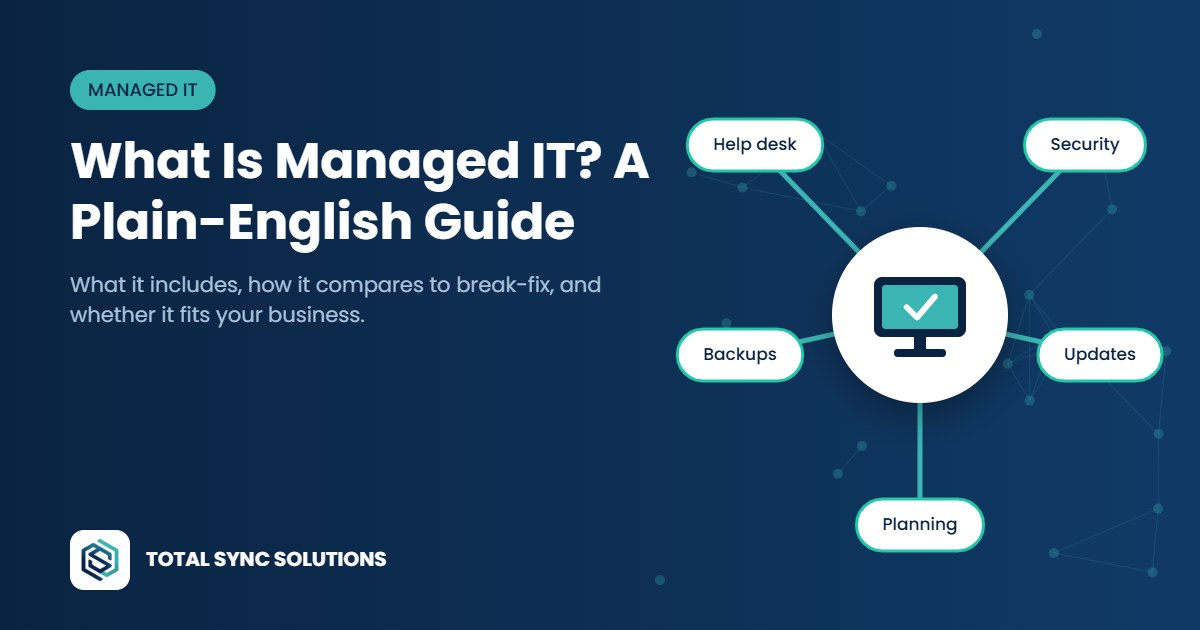
What is managed IT? In short, it’s having a technology partner look after your systems on an ongoing basis, instead of calling someone only when something breaks.
If you’ve ever paid someone by the hour to fix a computer, you’ve used “break-fix” IT. Something stops working, you call for help, they fix it, you get a bill. It’s simple, but it means nobody is looking after your technology until it’s already causing a problem. Managed IT flips that around.
What is managed IT, exactly?
With managed IT, a provider takes ongoing responsibility for keeping your systems healthy, secure, and up to date, usually for a predictable monthly fee. The goal is to prevent problems, catch the ones that do happen early, and give your team someone to call when they need help.
The provider is often called a managed service provider, or MSP. For a small business, an MSP effectively becomes your IT department.
What managed IT services typically include
Every provider packages things a little differently, but managed IT usually covers:
- Help desk support: a real person your team can contact when something isn’t working.
- Monitoring and maintenance: watching computers and network equipment for warning signs, and keeping them running smoothly.
- Updates and patching: making sure operating systems and software get security updates on schedule.
- Security basics: endpoint protection, multi-factor authentication, and sensible account policies.
- Backups: making sure important data is backed up and can actually be restored.
- User setup and removal: getting new hires running quickly and closing access when someone leaves.
- Planning and advice: helping you budget for replacements and decide what technology to adopt next.
Managed IT vs. break-fix support
Break-fix can look cheaper on paper, but costs are unpredictable, and the provider has little reason to prevent problems, since problems are what they bill for.
Managed IT aligns everyone’s incentives. Your provider does better when your systems run smoothly, so prevention becomes the priority. You also get a consistent point of contact who already knows your setup, instead of explaining it from scratch every time.
Is managed IT right for your business?
Managed IT is often a good fit if:
- Technology problems regularly interrupt your team’s work.
- An employee has become the unofficial IT person.
- You aren’t confident about your security or backups.
- You’re growing and need new people set up quickly and consistently.
- You’d like a predictable technology budget instead of surprise bills.
If several of these sound familiar, see how our managed IT services can help.
It might not be the right fit yet if you’re a one- or two-person business with very simple needs and a few cloud apps. Occasional on-demand help may be enough for now. The right answer depends on how much your business relies on technology and what downtime costs you.
Questions to ask any managed IT provider
- What exactly is included, and what costs extra?
- How do we reach support, and how fast do you respond?
- How do you handle security and backups?
- Who are our main contacts, and will they get to know our business?
- What happens to our data and accounts if we part ways?
A good provider should also be able to explain how they’d handle the security fundamentals. The U.S. government’s CISA Cyber Essentials guide is a useful benchmark for what those basics look like for small organizations.
Frequently asked questions
What is the difference between managed IT and IT support?
“IT support” can mean anything from a one-time repair to ongoing help. Managed IT specifically means a provider takes ongoing responsibility for maintaining, securing, and supporting your systems, usually under a monthly agreement.
How much does managed IT cost?
Pricing usually depends on the number of users or devices and the level of service. Most providers charge a predictable monthly fee, which makes budgeting easier than paying per incident. Ask for a clear breakdown of what’s included.
Can managed IT work alongside an in-house IT person?
Yes. Many businesses use a managed IT provider to handle monitoring, security, and after-hours support while an internal person focuses on day-to-day needs and projects. This is often called co-managed IT.
Does managed IT include cybersecurity?
Most managed IT services include core security such as endpoint protection, patching, and multi-factor authentication. More advanced security services may be offered as add-ons, so confirm what’s covered.
Let’s talk
Not sure whether managed IT makes sense for you? Take a look at our managed IT services, or let’s walk through how your business uses technology today. We’ll give you an honest recommendation, even if that’s “you don’t need us yet.” Talk to an engineer.