
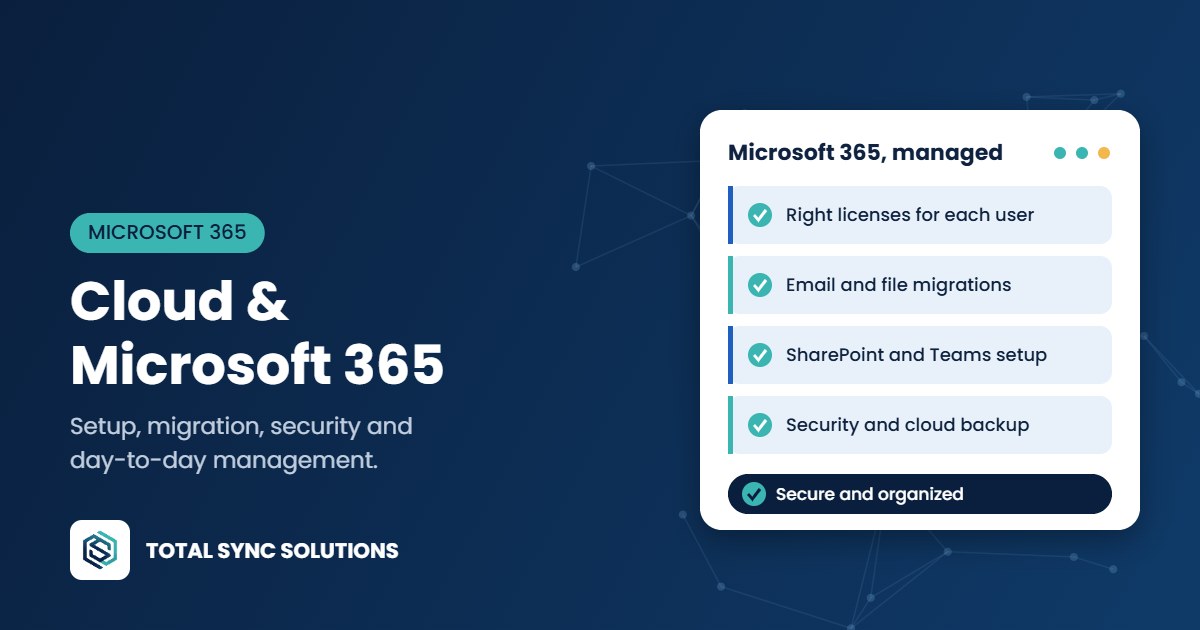
Microsoft 365 runs email, files and Teams for most small businesses, but the default setup leaves a lot on the table: security features turned off, files scattered across personal OneDrives and licenses you pay for but don’t use.
We set up, migrate and manage Microsoft 365 and your other cloud services so they’re secure, organized and easy for your team to use.
What we handle
- Microsoft 365 setup and licensing, choosing the right plan for each user so you’re not overpaying.
- Email migration from Google Workspace, GoDaddy, on-premises Exchange or another provider, with minimal downtime.
- SharePoint and OneDrive organization, replacing old file servers and shared folders with structured, permission-controlled storage.
- Teams setup for chat, meetings and calling.
- Security configuration, including MFA, conditional access, mailbox auditing and anti-phishing policies.
- Cloud backup for email, OneDrive and SharePoint, because Microsoft’s retention is not the same as a backup.
- Ongoing administration: new users, departing users, shared mailboxes, permissions and license changes.
Moving to the cloud without the chaos
A migration is the one time everyone notices IT. We plan the move around your schedule, test before cutover, move data after hours and stay on hand the first morning to fix anything that doesn’t look right. Your team gets simple instructions, not a 40-page manual.
Beyond Microsoft
We also support Google Workspace, cloud-hosted business apps and hybrid setups where some systems stay on-site. If something should stay local, such as sensitive data or private AI, we’ll tell you.
Nationwide service, on-site when you need it
We support businesses across the country. Most day-to-day work is handled remotely, which means faster fixes and no waiting for a technician to drive over. When a project needs hands on the hardware, we either fly in or ship pre-configured equipment to your site, where a local contact plugs it in and connects us. Our engineers finish the setup remotely from there. Either way, you work with the same team from start to finish.
Want to lock down your account? See our cybersecurity services.
Frequently asked questions
Is Microsoft 365 data backed up automatically?
Not in the way most people assume. Microsoft keeps the service running, but deleted and overwritten files are only recoverable for a limited time. A separate cloud backup protects you from accidental deletion, ransomware and departing employees.
Can you migrate us from Google Workspace?
Yes. We move email, calendars, contacts and files, and set up Teams and SharePoint so your team has a familiar place to land.
Which Microsoft 365 plan do we need?
It depends on your security and device management needs. Many small businesses do well on Business Premium because it includes advanced security tools, but we recommend the right mix after seeing how you work.
Do we still need a server?
Often not. Many offices can retire an aging file server by moving to SharePoint and OneDrive. Some apps still need a local server, and we’ll be upfront about which ones.
Talk to an engineer
Pricing is based on your users, devices and goals, so every quote starts with a free consultation. Tell us what’s going on and an engineer will get back to you with honest recommendations.