
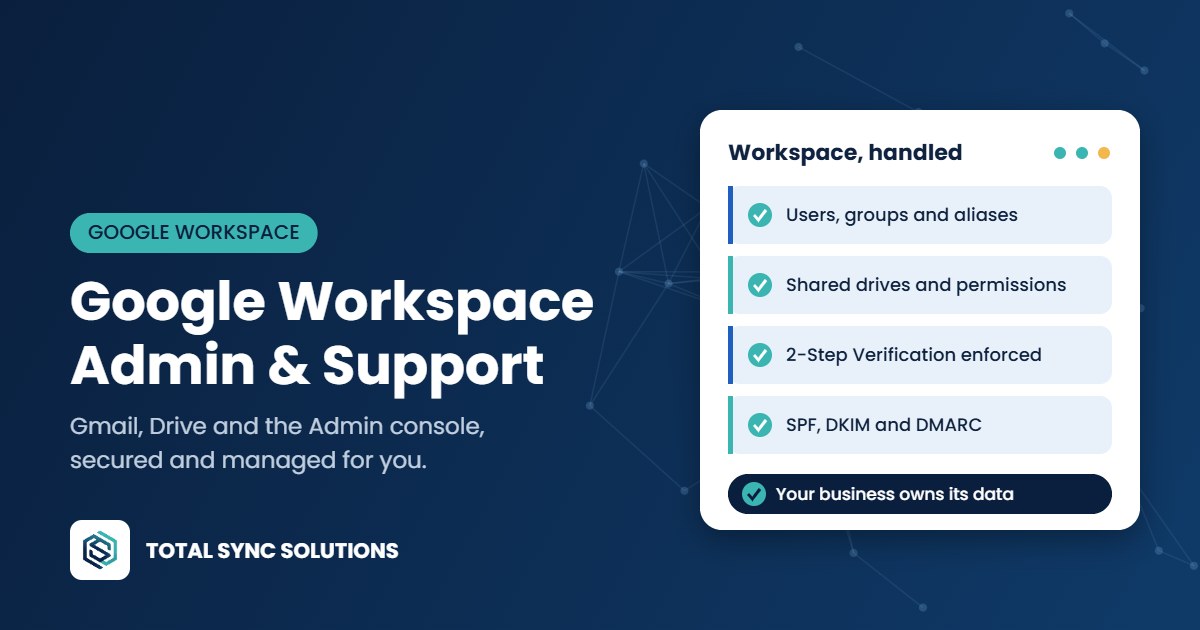
Google Workspace is simple to start with and easy to outgrow. Over time, shared files end up in personal Drives, former employees keep access and security settings stay at their defaults because nobody has time to dig through the Admin console.
We set up, migrate and manage Google Workspace for small businesses, so Gmail, Drive, Calendar and Meet stay organized, secure and easy for your team to use.
Google Workspace admin, handled
- Setup and plan selection, choosing the right edition for each user so you’re not overpaying.
- Admin console management: users, groups, organizational units, aliases and shared inboxes.
- Shared drives and permissions, moving business files out of personal My Drives into shared drives the company owns.
- Security settings: enforced 2-Step Verification, password rules, login alerts and limits on sharing files outside the company.
- Email authentication (SPF, DKIM and DMARC) so your mail reaches inboxes and is harder to spoof.
- Device management to require screen locks and remotely wipe lost phones and laptops.
- Onboarding and offboarding: new accounts ready on day one, and a departing employee’s email and files handed to the right person before access is closed.
- Backup for Gmail and Drive, separate from Google’s own retention.
Migrating to Google Workspace
Moving from Microsoft 365, GoDaddy email, an old hosting provider or an on-site server? We plan the move, migrate email, calendars, contacts and files, update your domain’s DNS and keep mail flowing during the switch. Your team signs in to find their history already in place.
Going the other direction? We also migrate from Google Workspace to Microsoft 365 when that’s the better fit. See Cloud & Microsoft 365.
Google Workspace or Microsoft 365?
Both are excellent. Google Workspace tends to suit teams that work in the browser and collaborate on documents in real time. Microsoft 365 is often the better choice if you depend on desktop Excel, Word or business apps that expect Windows. We’ll give you a straight answer based on how your team actually works.
Nationwide service, on-site when you need it
We support businesses across the country. Most day-to-day work is handled remotely, which means faster fixes and no waiting for a technician to drive over. When a project needs hands on the hardware, we either fly in or ship pre-configured equipment to your site, where a local contact plugs it in and connects us. Our engineers finish the setup remotely from there. Either way, you work with the same team from start to finish.
Want to lock down your account further? See our cybersecurity services.
Frequently asked questions
Can you take over admin of our existing Google Workspace?
Yes. We review your current setup, clean up users, groups and sharing, tighten security and then manage it going forward. Your business stays the owner of the account.
Is Google Workspace data backed up?
Google keeps the service running, but deleted files and emails can only be restored for a limited time. A separate backup protects against accidental deletion, ransomware and departing staff.
Will we lose email during a migration?
No. We copy existing email before switching mail delivery, then run a final sync after the switch so nothing is missed.
Who owns our files when an employee leaves?
With shared drives, the business does. We set things up so work files live in shared drives, and we transfer anything left in a departing user’s My Drive before the account is closed.
Talk to an engineer
Pricing is based on your users, devices and goals, so every quote starts with a free consultation. Tell us what’s going on and an engineer will get back to you with honest recommendations.